
An HTML sitemap is not a webmaster gimmick. On a food blog with hundreds of posts, this page becomes the one place where all the content is visible at a glance, without relying on the internal search engine or algorithmic suggestions.
XML Sitemap and HTML Sitemap: Two Different Tools for Recipes
Confusion between the two persists. An XML sitemap is a file intended for search engine crawlers. Google Search Central explains that it helps them discover URLs, but does not guarantee that those URLs will be crawled or indexed. It is of no use to human visitors: the file is unreadable as it is.
An HTML sitemap, on the other hand, is a page designed for readers. It lists links to every recipe, organized into easy-to-understand categories. When a blog features appetizers, main courses, desserts, and basic techniques, the sitemap groups this content under clear headings.
We recommend checking the difference first: if the blog’s only “sitemap” page links to an .xml file, it is missing a navigation tool. For example, on the Mon Blog Cuisine sitemap, recipes are accessible by category, illustrating how a functional HTML sitemap works.

Browse by Category Instead of Alphabetically
An alphabetical list of recipes loses its usefulness once it grows beyond a few dozen entries. Looking for a potato gratin in a list of three hundred titles sorted from A to Z is like leafing through a directory.
A well-organized sitemap groups recipes by dish type, main ingredient, or season. This structure reflects how cooks think: people rarely search for a recipe by its exact title, but rather by what they feel like making or what they have left in the fridge.
Useful Criteria for Organizing a Food Blog Sitemap
- Dish type (appetizer, main course, dessert, side dish) is the first level of sorting, matching the structure of a meal
- Main ingredient (poultry, fish, vegetables, pasta) helps narrow things down when you’re starting with an ingredient you have on hand
- Preparation time or difficulty level helps you choose a recipe to suit the occasion (weekday or weekend)
- Season or occasion (holidays, picnic, batch cooking) targets a specific need that keyword searches often miss
A sitemap that combines at least two of these criteria covers most search journeys. If a recipe can only be found through the sitemap, that may also point to an architecture problem: orphaned content that is missing from menus and contextual links.
Find a Specific Recipe Faster with the Sitemap
The usual instinct is to use the blog’s search bar. A sitemap offers something that text search cannot replace: an overview. You can spot forgotten recipes published long ago that the internal search engine no longer ranks near the top of its results.
The quickest way to search a large sitemap is to use your browser’s search function (Ctrl+F on a computer, “Find on page” on mobile). Enter an ingredient or keyword in the search field to instantly filter all the links displayed.
Keyboard Accessibility and Sitemap Navigation
The WCAG 2.2 guidelines emphasize that an accessible sitemap must be fully navigable by keyboard. Users who do not use a mouse must be able to reach every link by tabbing, in a logical order with a visible focus indicator. This also matters to readers who consult recipes on a tablet with an external keyboard, a common setup in the kitchen.
A sitemap whose links do not receive keyboard focus, or whose tab order jumps randomly from one category to another, loses some of its usefulness. Checking this takes just a few seconds: open the page and navigate using only the Tab key to spot any issues.
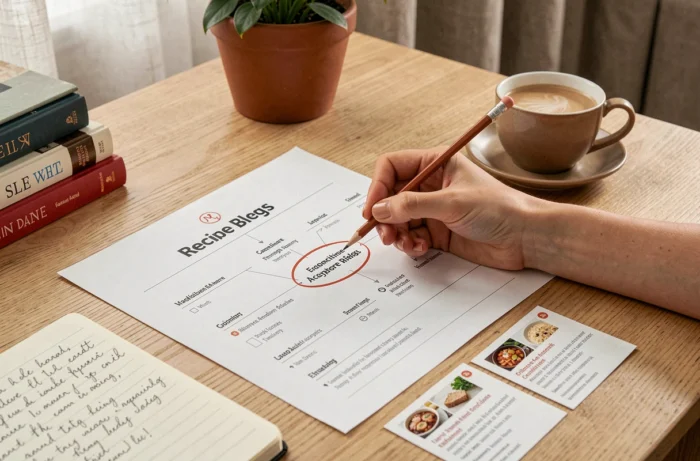
Using a Sitemap to Organize Your Favorite Recipes
A blog’s sitemap is not a bookmark manager. It does not remember your preferences or sort recipes to match your tastes. Its purpose is to provide a structured inventory of all published content.
To build a personal collection, use the sitemap as a starting point. Browsing it regularly helps you spot new posts in each category, then save the ones you like in a personal tool (browser bookmarks, a dedicated app, or a shared document).
Combining a Sitemap with Bookmarking Tools
An efficient workflow has three steps:
- Open the sitemap and browse relevant categories to find recent or forgotten recipes
- Save each recipe you want to keep in a favorites folder organized by the same categories (appetizers, main courses, desserts) to maintain a consistent filing system
- Review your selection once a month to remove recipes you’ve tried and decided not to keep, and avoid accumulating dead links if the blog reorganizes its content
This approach avoids the classic trap of scattered screenshots or links copied into messages that disappear as conversations move on. The sitemap remains the source of truth—the place to return to when a bookmark leads to a page that has moved or been deleted.
A blog that updates its sitemap after every post ensures that the page reflects the current state of its content. If it does not, the main menu categories can serve as a fallback, but they often provide only partial coverage of older archives.